RTX Super Resolution
NVIDIA RTX processing reconstructs detail from lower-resolution video before presentation on a higher-resolution output canvas. It is especially useful for 480p and 720p material being shown at 1080p, 1440p or 4K.
EARLY ACCESS · OCTOBER 2026
RetroTX brings the games and hardware you already love to the displays you use today. From the moment the HDMI signal enters your PC, RetroTX works in real time to reshape how that game can be experienced. It adds the clarity, scale, HDR and character that can make a familiar experience feel new again.
Play on the enhanced output in fullscreen, capture exactly what you see, and share it with the world. RetroTX is about getting more from the games you already own, without leaving behind what made you love them in the first place.
WHAT IS RetroTX?
There is something special about taking a game off the shelf, putting it into the original console, and playing it the way you always have. As physical media becomes less common, keeping that experience alive matters more than ever.
RetroTX lets you keep playing the physical games and original hardware you love while bringing their presentation forward for today's displays. Greater clarity and resolution, HDR, ultrawide presentation, CRT shaders and more can be applied in real time without taking the original console or physical game out of the experience.
That old game on your shelf doesn't have to stay in the past. Put it in the console, pick up the controller, and experience it for the first time all over again.
Keep the hardware. Keep the physical games. Rediscover the experience.
BEYOND RETRO
RetroTX can also take today’s games beyond the output capabilities of today’s consoles. Turn 1080p performance modes into 4K HDR while preserving 60 FPS, bring cinematic letterboxed games to ultrawide displays, or transform SDR and underwhelming HDR presentations with RTX-powered HDR processing.
The same experience extends beyond games. RetroTX can apply its enhancement pipeline to your personal digital movie library, bringing greater clarity, HDR and a modern presentation to the movies you already own.
Bring the games of yesterday to the displays of today — and give today’s games a glimpse of the consoles of tomorrow.
INTERACTIVE PROCESSING COMPARISON · 480P → 4K HDR
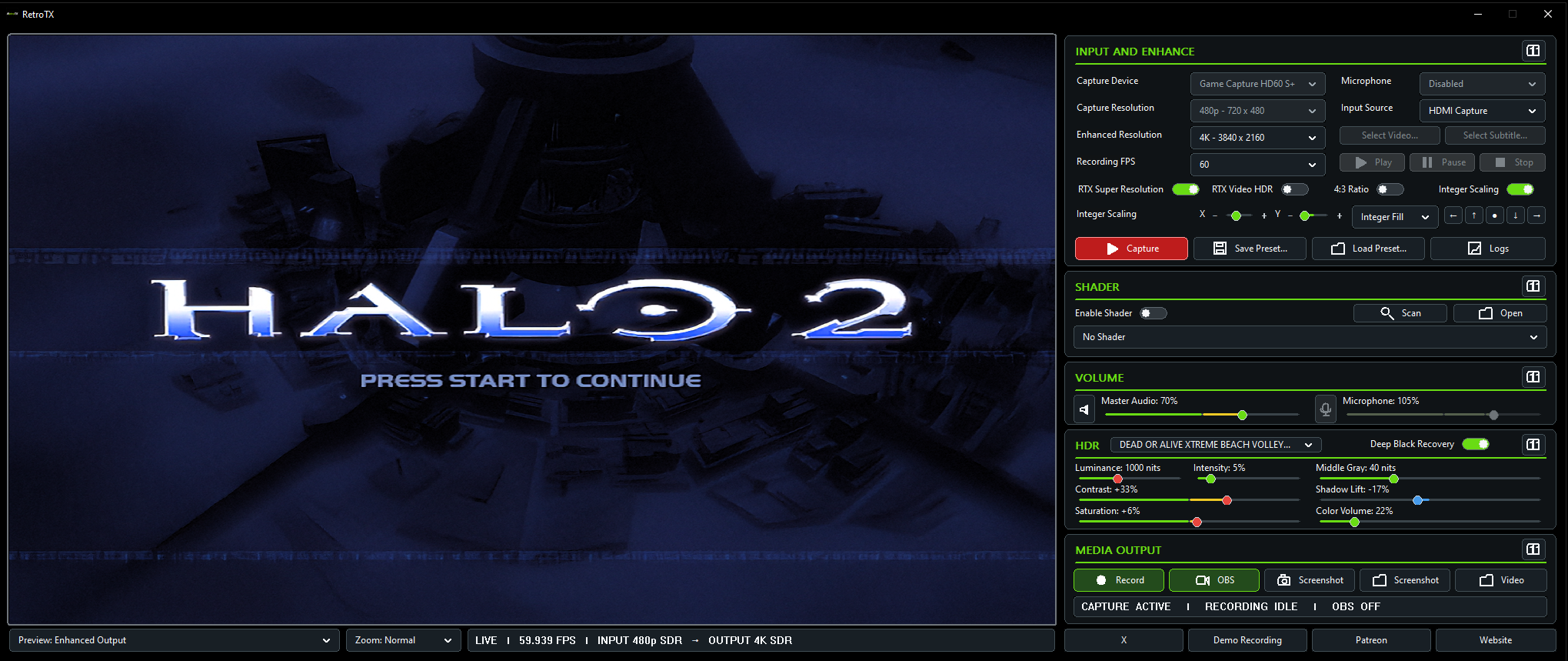
Drag the divider through the same frame from the original 480p input, to 4K Super Resolution, and finally to RetroTX's HDR-enhanced presentation.
HDR imagery is represented in SDR on this webpage. View the HDR YouTube showcases on an HDR-capable display for the full presentation.
ENHANCE · PLAY · CREATE
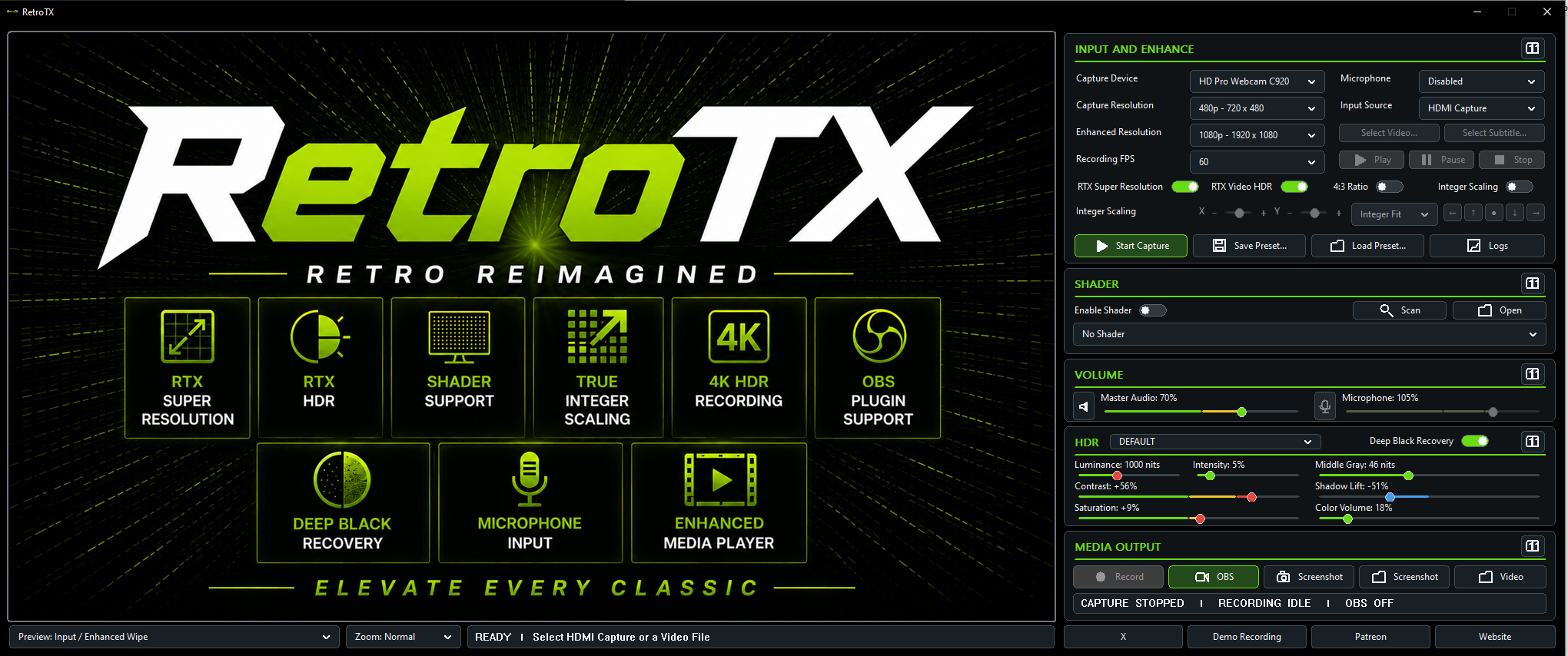
RetroTX is built as a complete real-time pipeline: rebuild and shape the image, use the enhanced output as the display you actually play on, then capture or stream that same finished presentation.
NVIDIA RTX processing reconstructs detail from lower-resolution video before presentation on a higher-resolution output canvas. It is especially useful for 480p and 720p material being shown at 1080p, 1440p or 4K.
Transforms SDR material into an HDR presentation in real time. RetroTX exposes practical image controls around the HDR stage so the finished picture can be tuned for the source and display rather than treated as a one-size-fits-all conversion.
Restores stronger blacks after HDR expansion. The goal is to keep darker games dimensional and punchy instead of allowing lifted blacks to flatten the image.
Preserve pixel structure and original geometry with integer-aware Fit, Fill and Stretch behavior, independent X/Y positioning, and a dedicated 4:3 presentation option when the source needs it.
Compatible RetroArch Slang shader presets can sit at the final presentation stage, allowing CRT-style scanlines, masks and display character to be applied after enhancement and scaling.
Record the enhanced result from inside RetroTX using the GPU pipeline rather than screen recording. The finished file can include the same processing visible in the live output.
Game audio and a selected microphone can be mixed directly into the final recording, reducing the need to synchronize separate commentary audio later.
The included OBS source plugin receives the synchronized RetroTX GPU video/audio transport. It is designed as a direct source workflow instead of capturing the RetroTX window or desktop.
RetroTX can also process video files. Playback includes fullscreen presentation, subtitles, seeking, multichannel audio support and the same enhancement pipeline where applicable.
Capture the processed output and switch between clean input, enhanced output, comparison views and demo presentation modes. Those modes are useful both for analysis and for showing exactly what each stage changes.
Save recurring configurations so capture selection, enhancement choices, sound levels, scaling and presentation settings do not need to be rebuilt every session.
SEE RETROTX IN ACTION
A selection of RetroTX showcases across generations of original hardware. For the full 4K HDR experience, showcases open directly on YouTube.
THE CONTROL PANEL
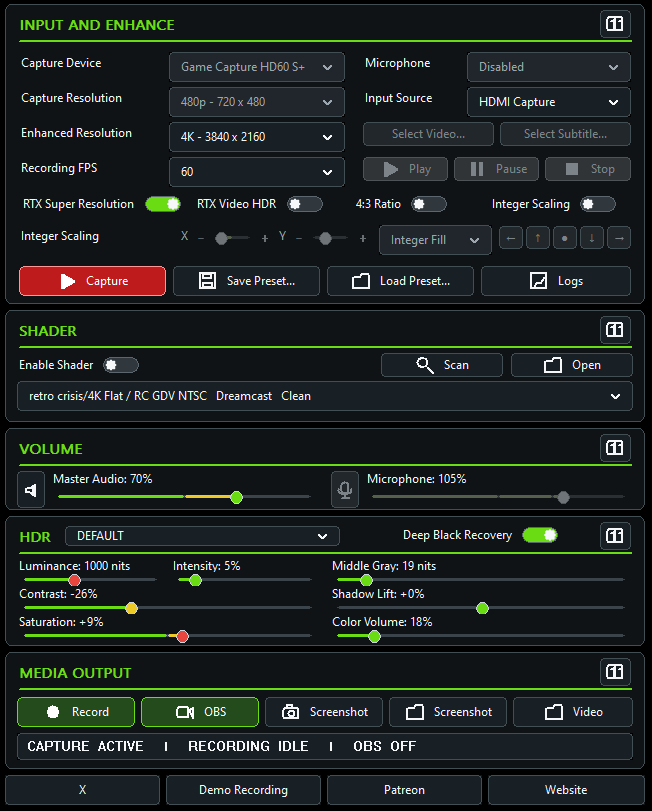
The panel is organized around the order in which you think about the signal: choose the source, define enhancement, select a shader, balance sound, tune HDR, then decide where the output goes.
WHAT YOU NEED
Everything you need to bring RetroTX into your existing gaming setup.

EARLY ACCESS · OCTOBER 2026
Get access to development builds, test new features, share feedback and ideas, and participate in the path toward the full public release.